Intralinks VIA
EXECUTIVE SUMMARY
Scaling enterprise secure collaboration workflows to balance zero-trust security constraints with effortless, high-velocity file sharing for global financial institutions.
Key Impact Metrics
Enterprise Collaboration at Scale Optimized cross-organization file-sharing workflows across high-security corporate environments without compromising compliance standards.
Accelerated Time-to-Access Streamlined permissioning, link sharing, and identity verification pathways to reduce friction for external non-system users.
Unified Cross-Platform Experience Aligned web, desktop, and mobile touchpoints to deliver a consistent, secure user experience across enterprise ecosystems.
PROJECT OVERVIEW
Timeline August 2013 - September 2014
Team Product Manager, Product Lead, Engineering Lead, Junior Designer
My Role Lead Experience & Design Strategist
Strategic Multi-Disciplinary Alignment Partnered closely with Enterprise Security Officers, Product Management, and Engineering Leads to reconcile rigid compliance mandates with intuitive user experiences.
Workflow Optimization & Systems Thinking Led the end-to-end mapping of secure document distribution pathways, eliminating redundant authentication friction points for external collaborators.
Cross-Functional Design Execution Spearheaded usability evaluations and interactive prototyping phases to validate secure permissioning models with enterprise financial clients prior to engineering handover.
Design System Governance Oversaw pattern alignment across desktop and web clients to lower front-end implementation debt and streamline future feature rollouts.
STARTING STATE
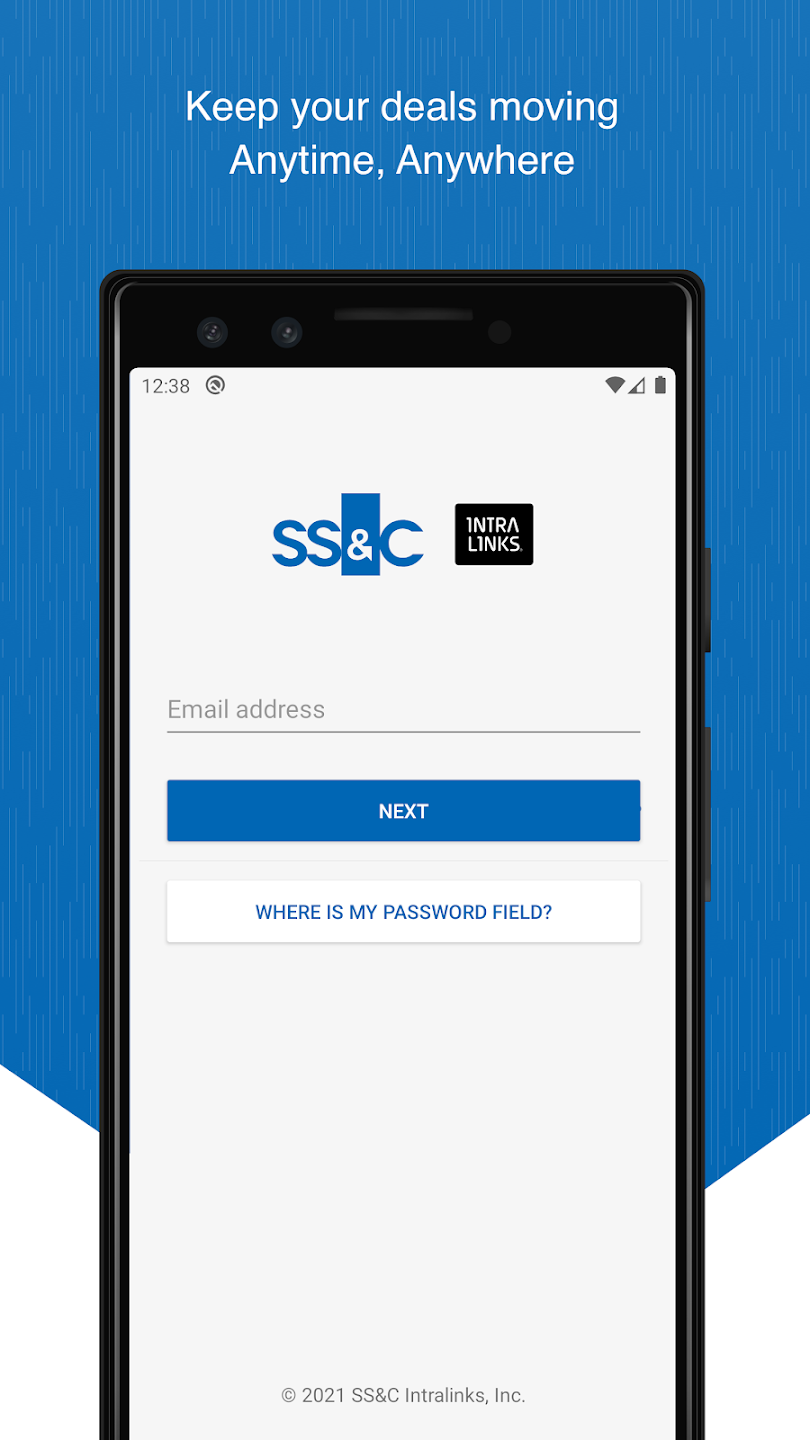
When VIA went live we had our new, web-based product from Intralinks, that allowed our clients to create large-scale content repositories and case management, along with document-centered workflows and content creation and editing.
External collaborators, deal-makers, and corporate clients faced friction when attempting to access, share, and review sensitive documents outside of their desktop workstations and our fragmented, multi-platform touchpoints led to user confusion and inconsistent experiences.
THE METHOD
Rather than treating this as a simple interface redesign, I led a cross-functional strategy focused on understanding our mobile device user and use cases to provide guidance across both iOS and Android. I led the hiring strategy for other designers and coached the mobile design team on facilitating stakeholder alignment and cross-functional design sessions.
PROOF OF CONCEPT
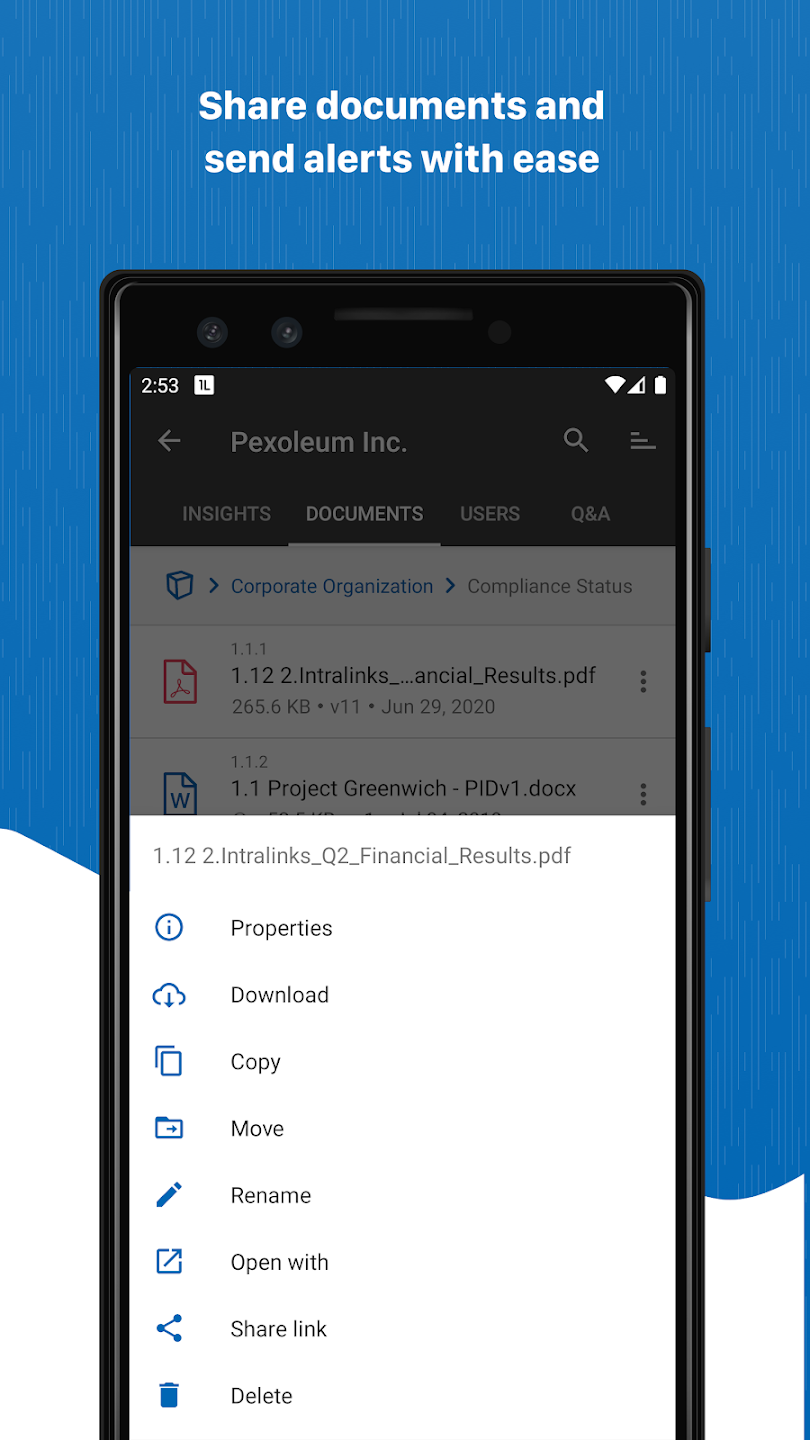
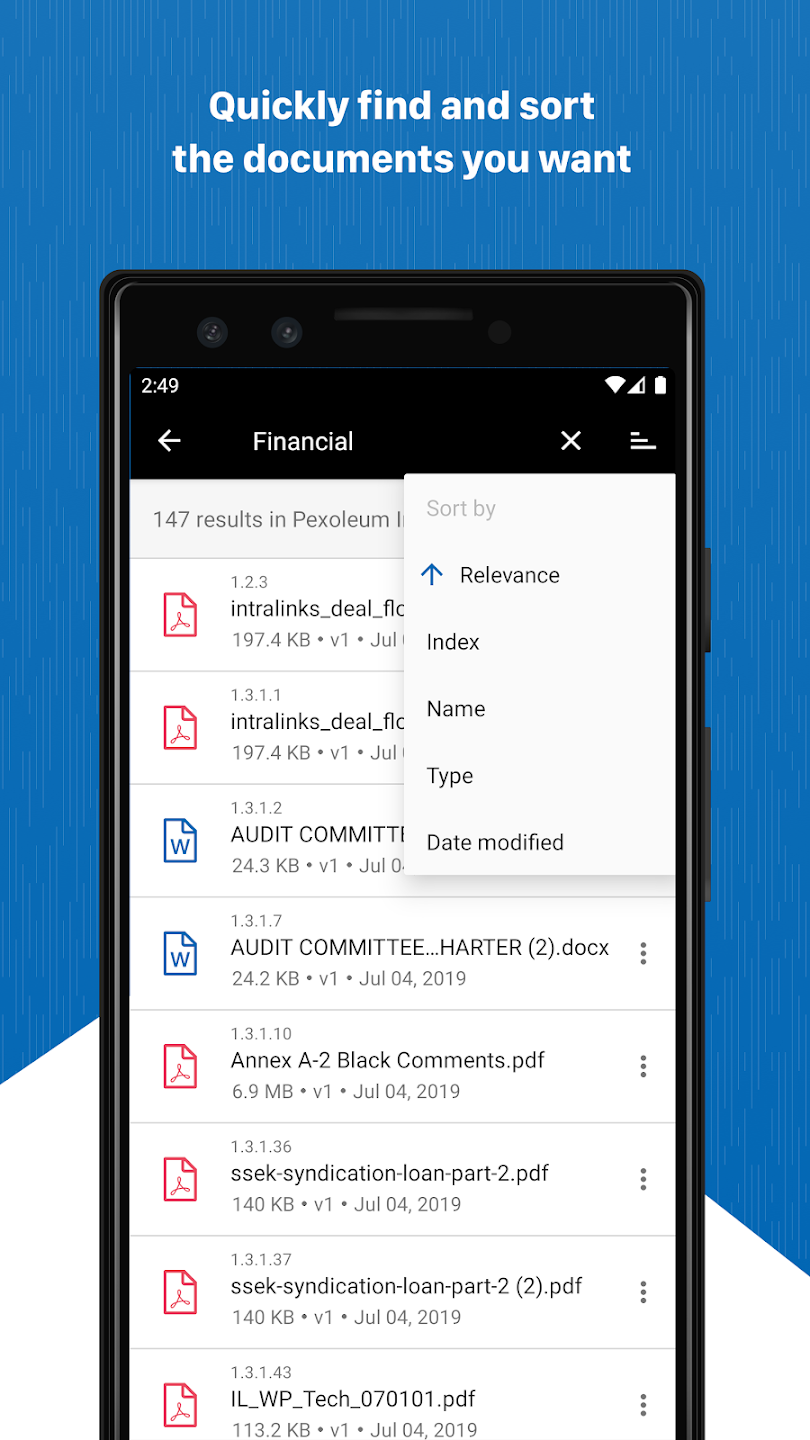
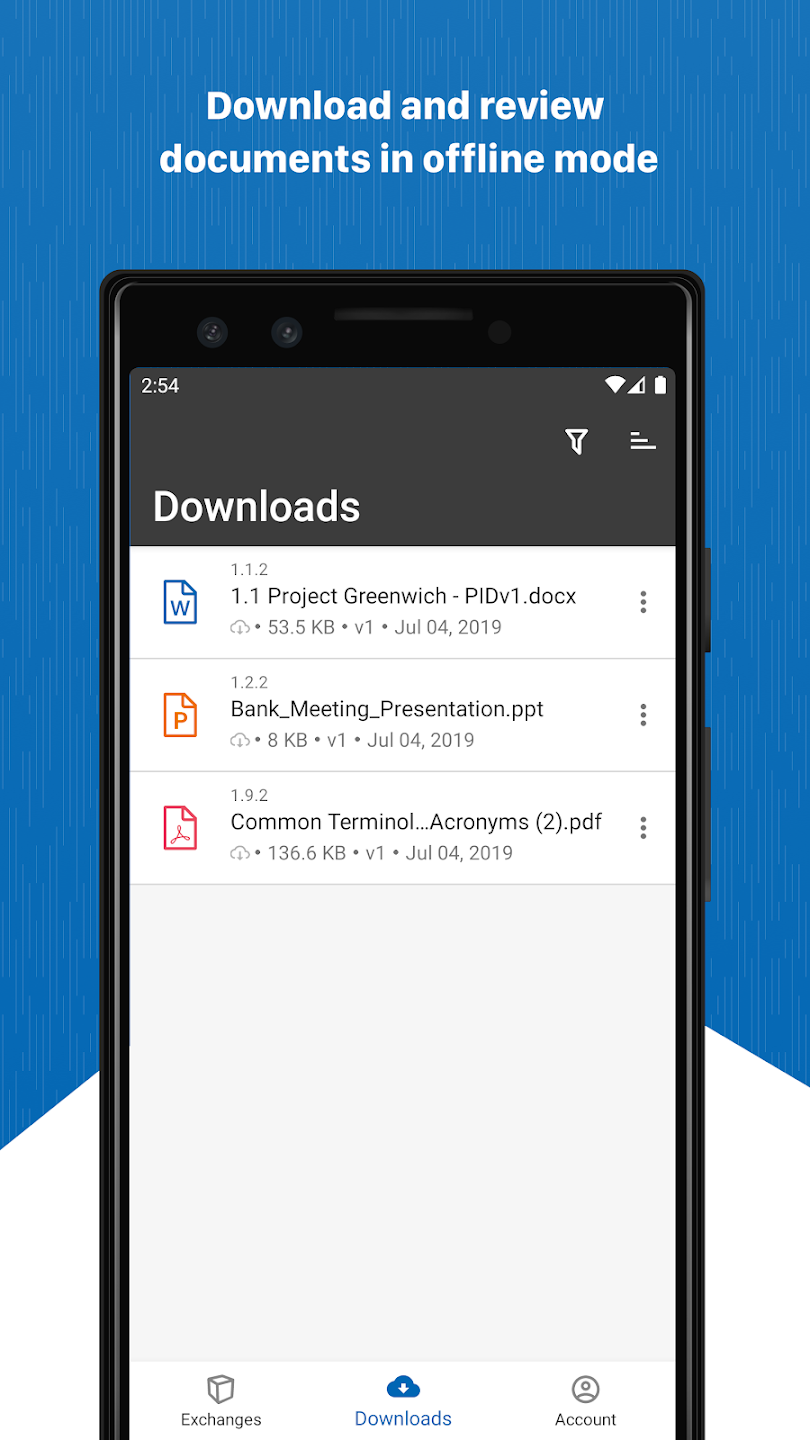
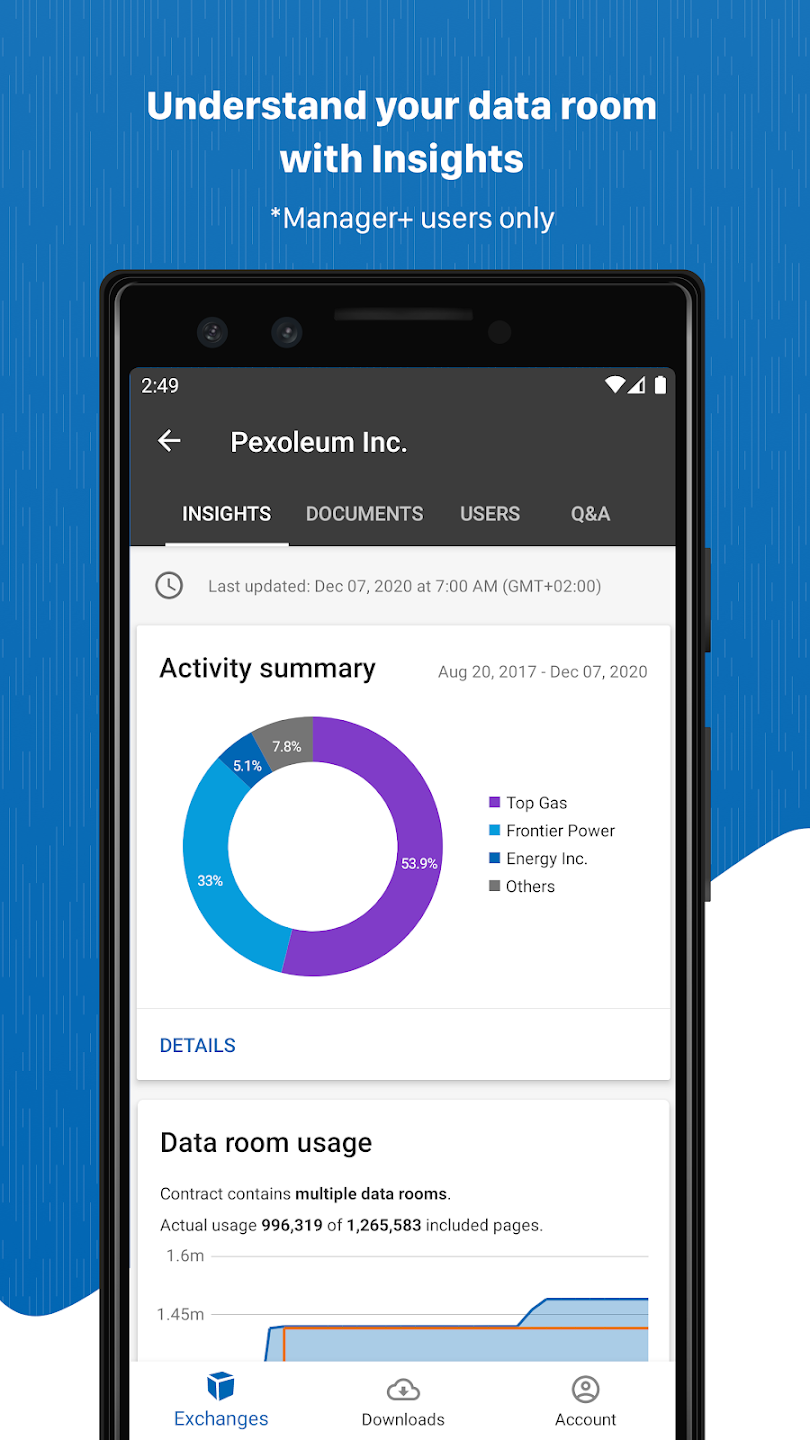
I started with the generic designs and stories from PM and Eng leads, understanding the workflows that would be presented in a mobile experience, and ensuring the needs of our users would be met. From these workflows, screens were built out leveraging the design style of the company and the details from the Android Developer design guidelines.
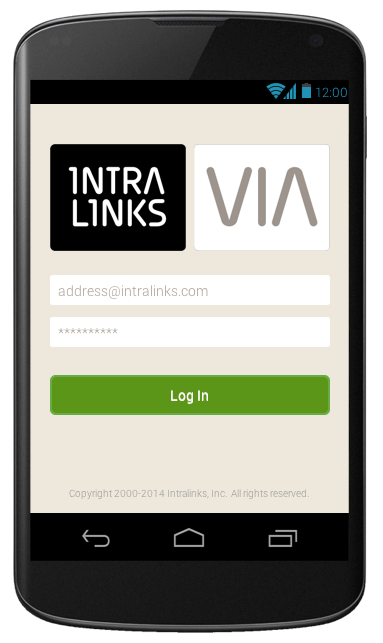
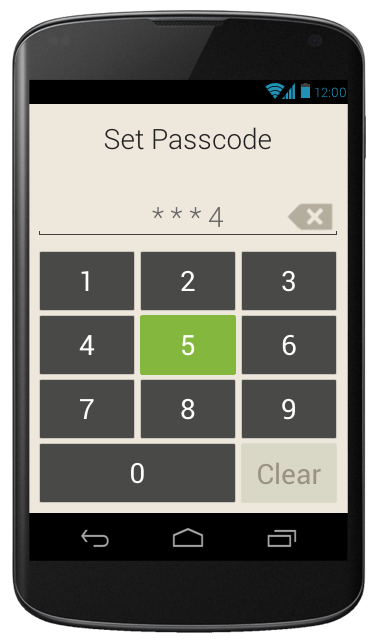
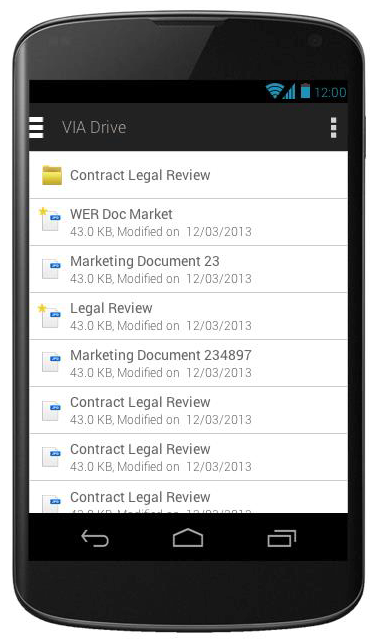
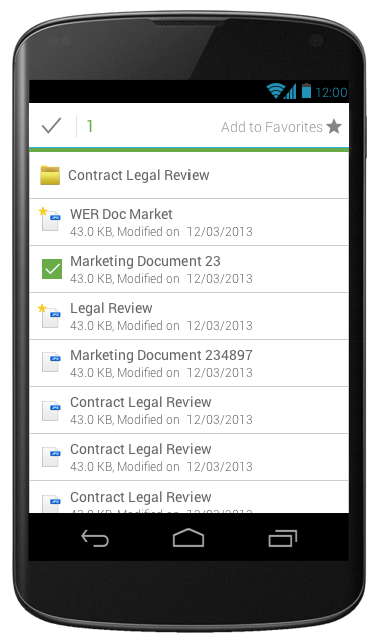
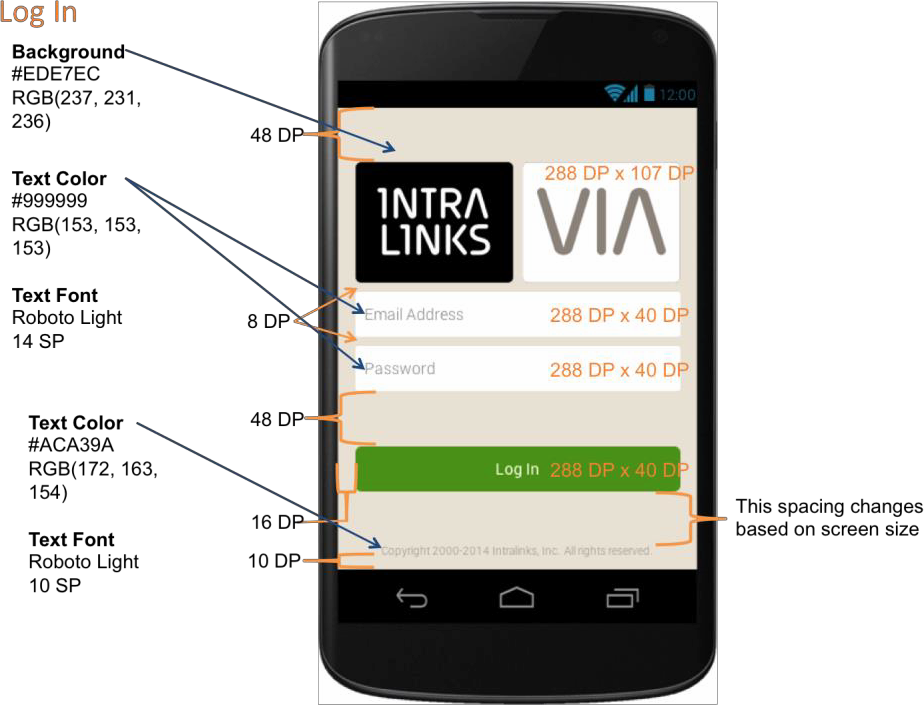
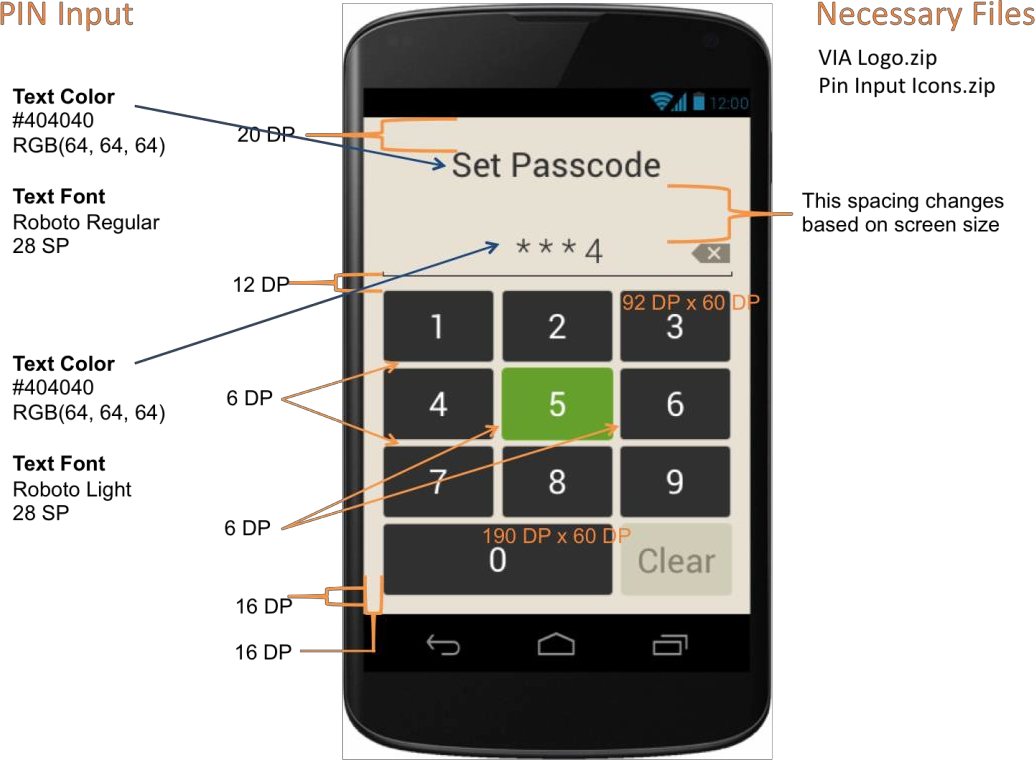
The team that was dedicated to building this was offsite, and the company had not yet created a design system, so a lot of the work had to be spec'd out screen by screen to ensure our team could build the screens correctly.
Each icon and image for the application had to be created as a one-off to scale (mdpi - xxhdpi) for the engineering team to integrate into the code base.
GENERAL AVAILABILITY RELEASE
The proof of concept work (release 1) proved successful enough that the product team was given the green light to build the GA release of the VIA application.
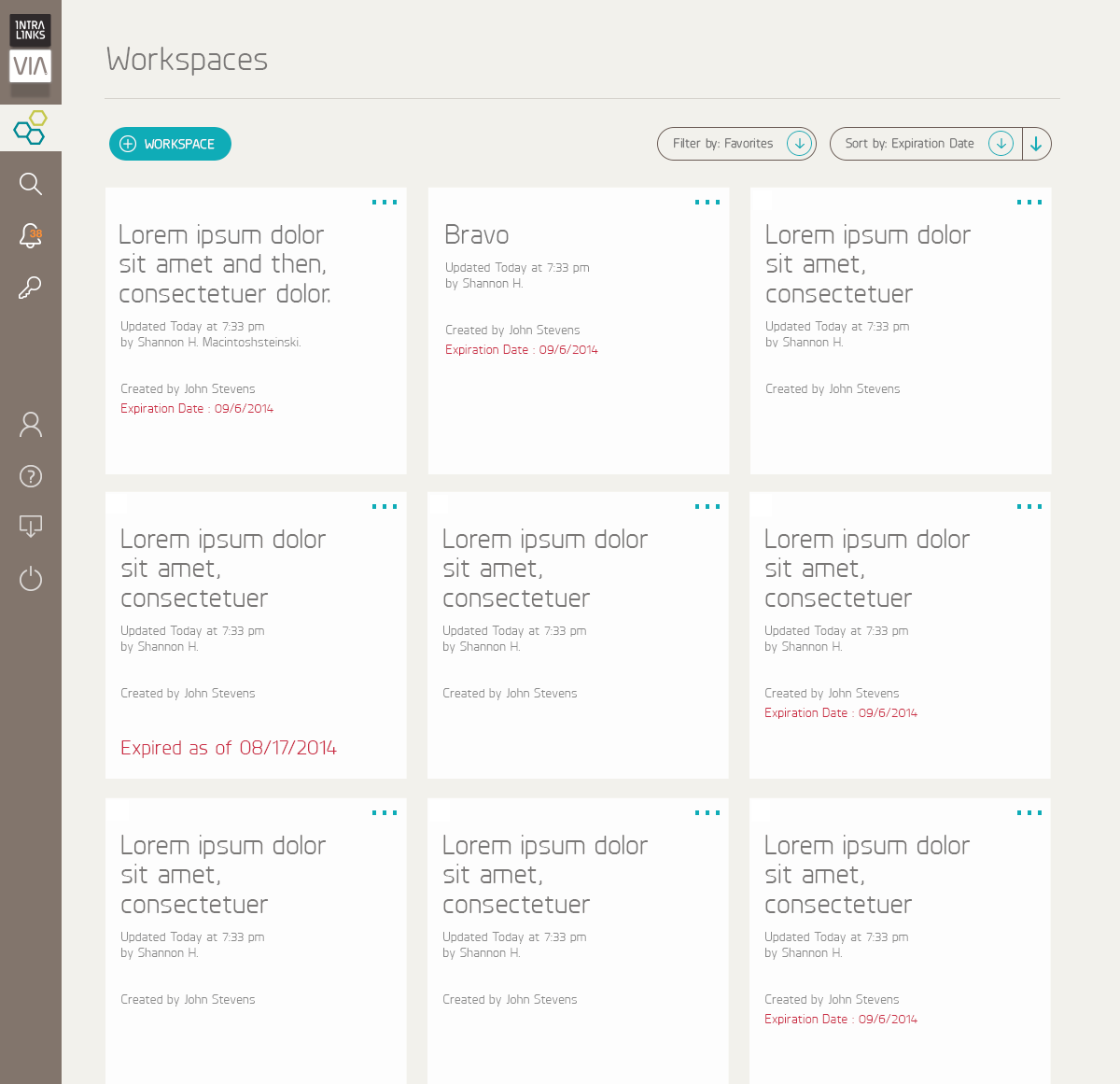
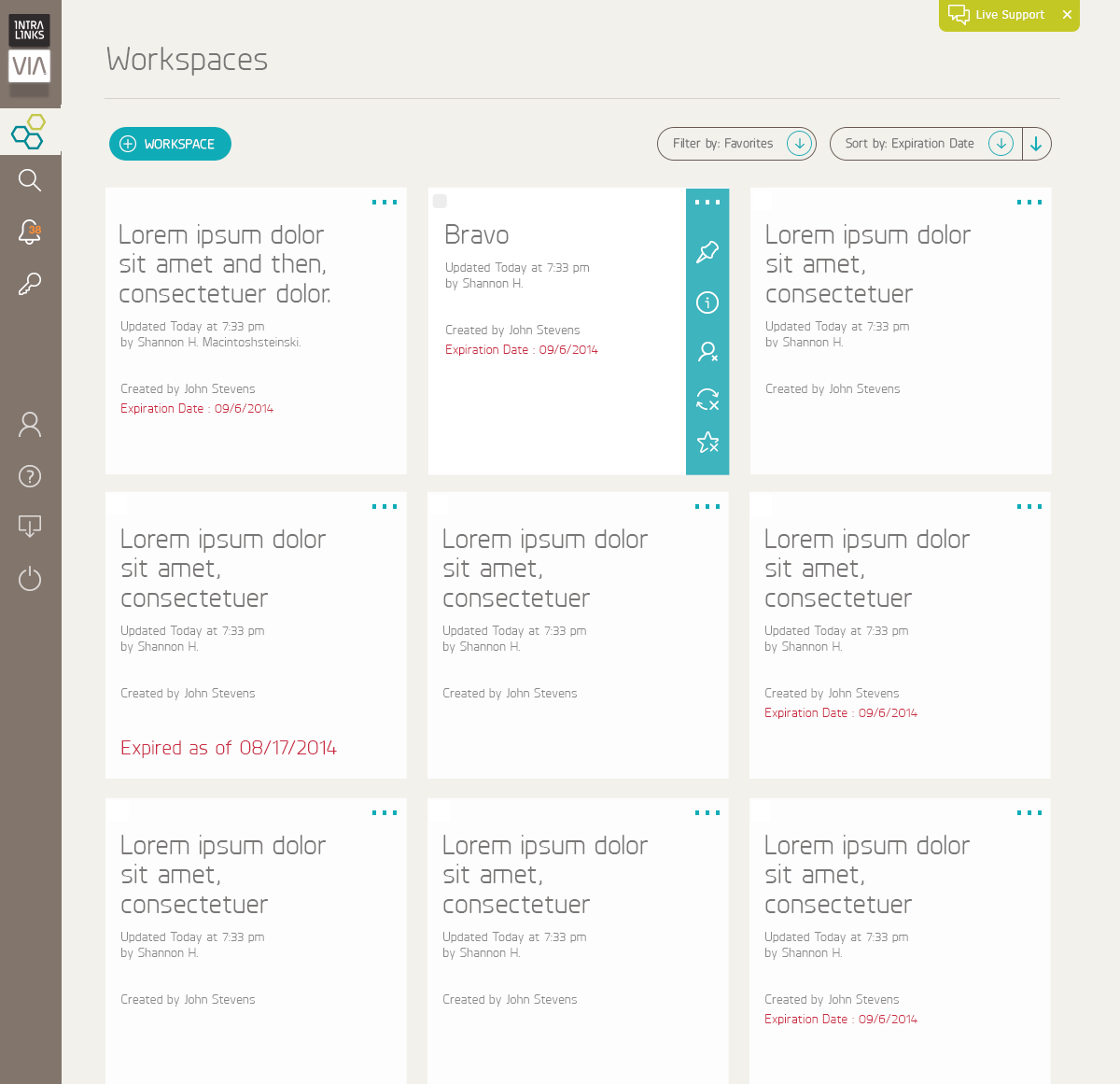
Based on the feedback we received from our early adopters was that more of their users were accessing the documents on iPhones and iPads, so my focus was to design around that platform, but make the majority of the design OS agnostic. Interactions (such as swiping left on iOS vs right on Android and how modals and errors were presented) would be where the design diverged.
I started by picking apart the workflows that were integrated in the first version of the application, and documenting both the current flows necessary as well as the flows that needed to be added. It started by meeting with both the internal and external stakeholders to understand the needs.
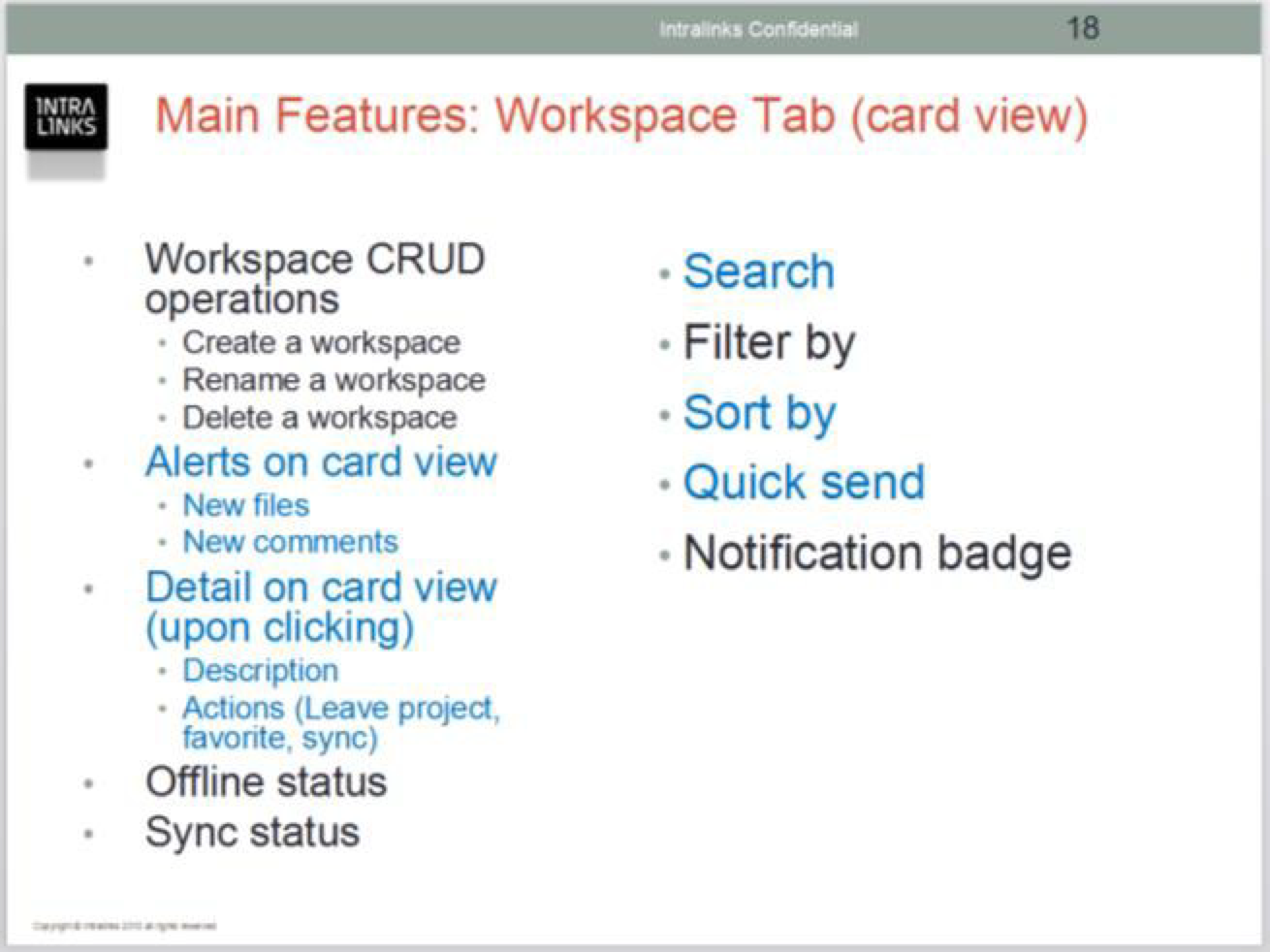
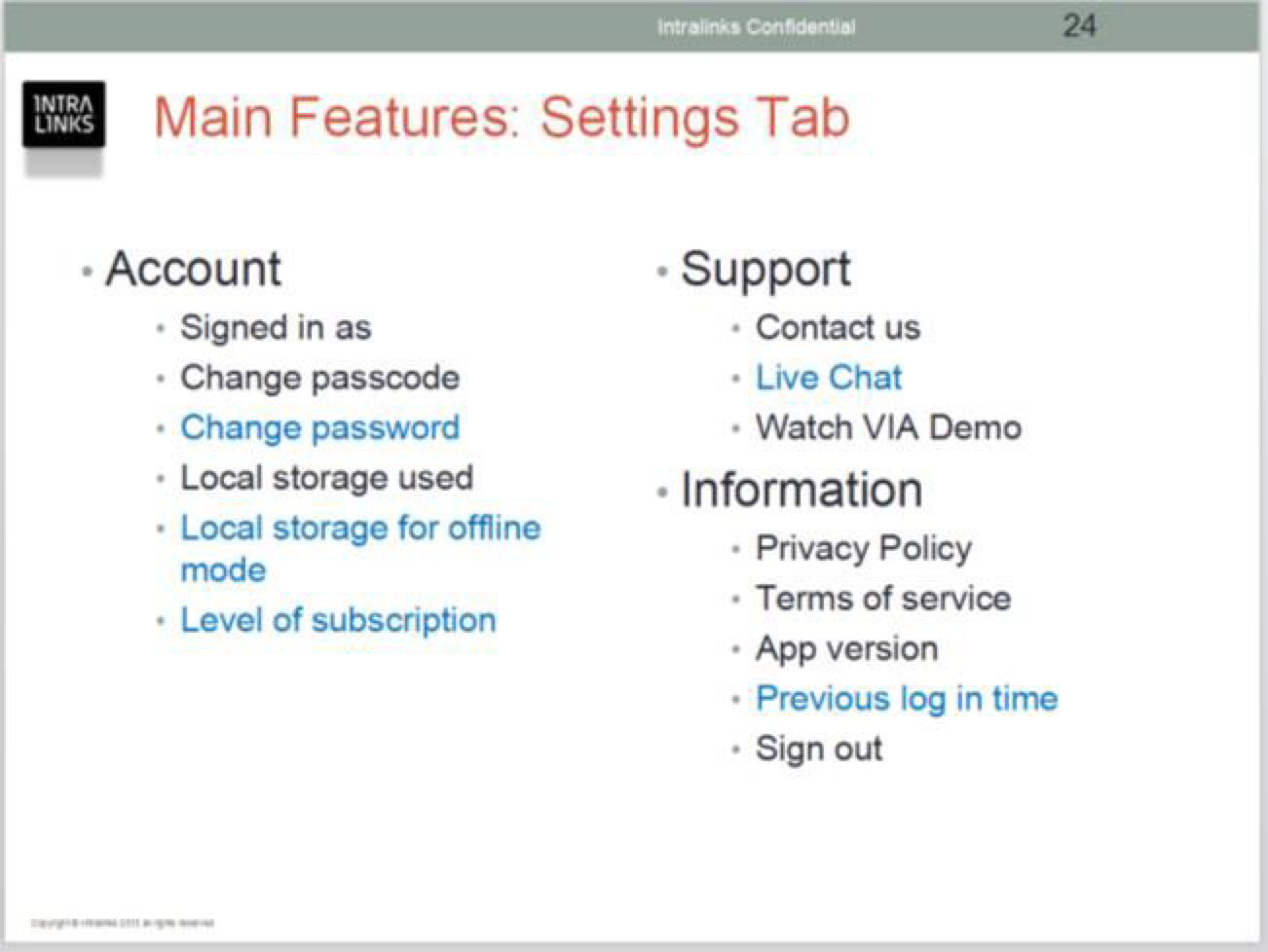
After understanding the workflows and features that were deemed to be necessary from the interviews, I worked with my engineering leads, and wrote out the user stories for each of the scenarios.
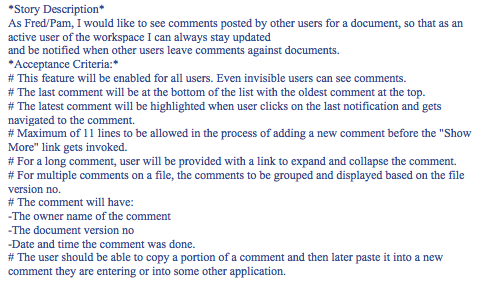
From the created stories, the necessary screens were listed out and I began by sketching out concepts with the other mobile designer to address the needs of each one. These sketches were reviewed by the full product team and company leadership to tailor them down to a few concepts, and then they went through usability testing with a subset of our stakeholders.
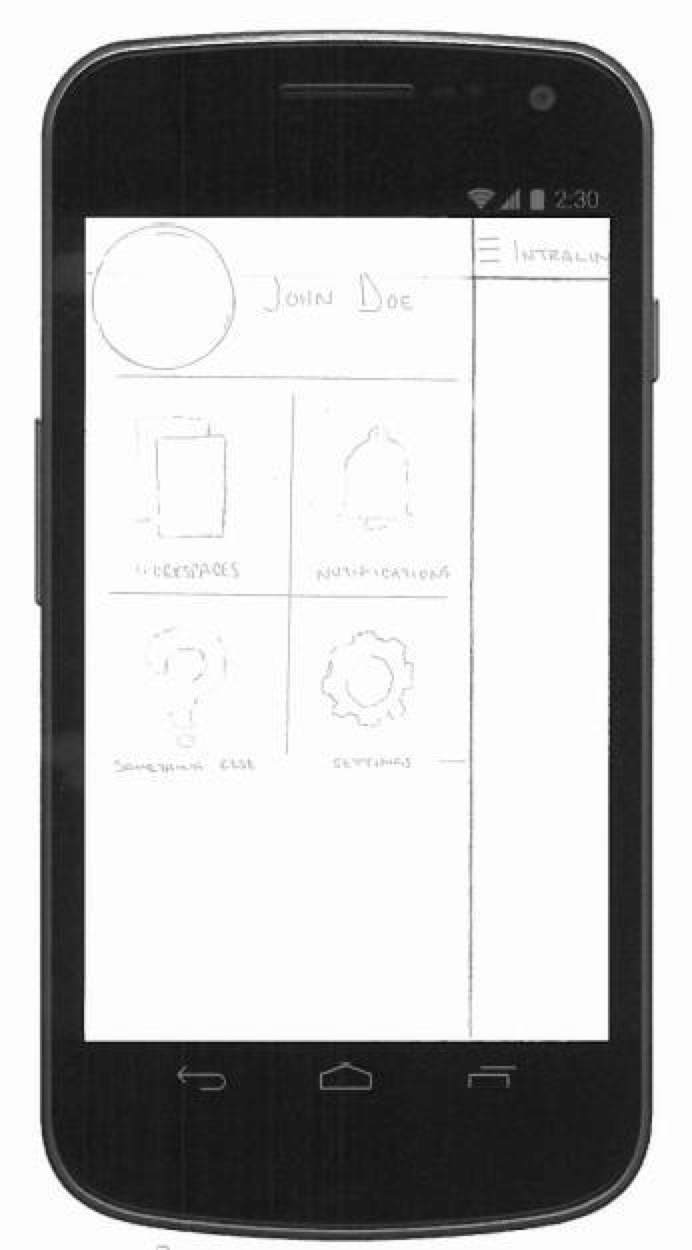
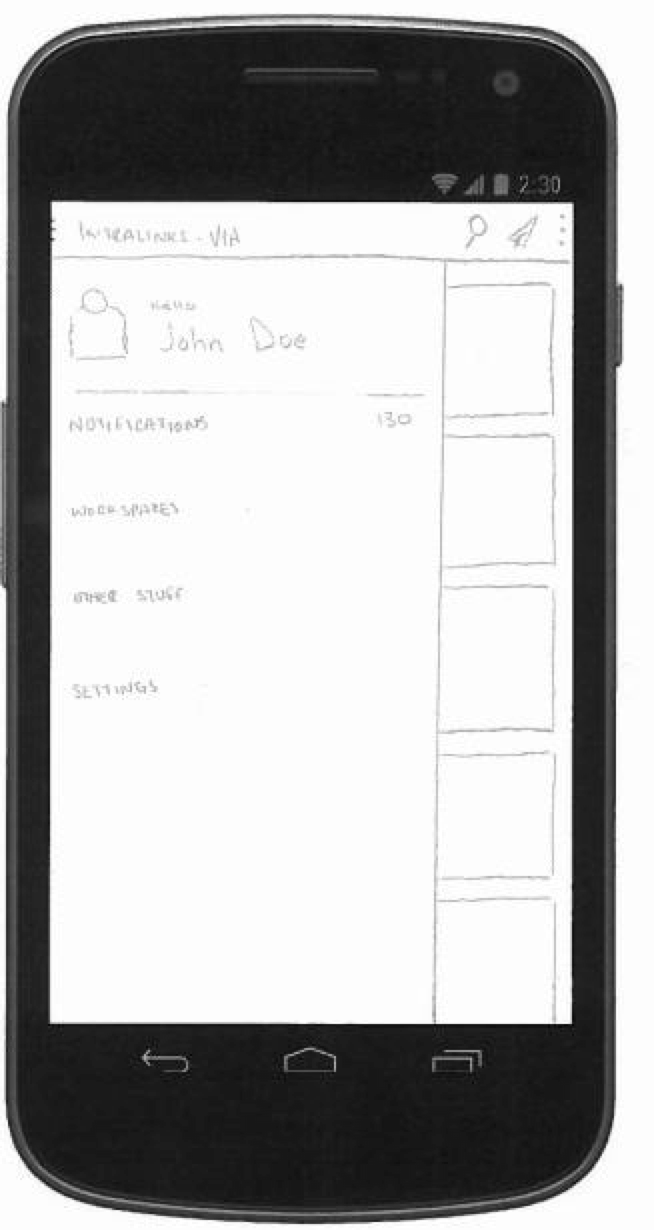
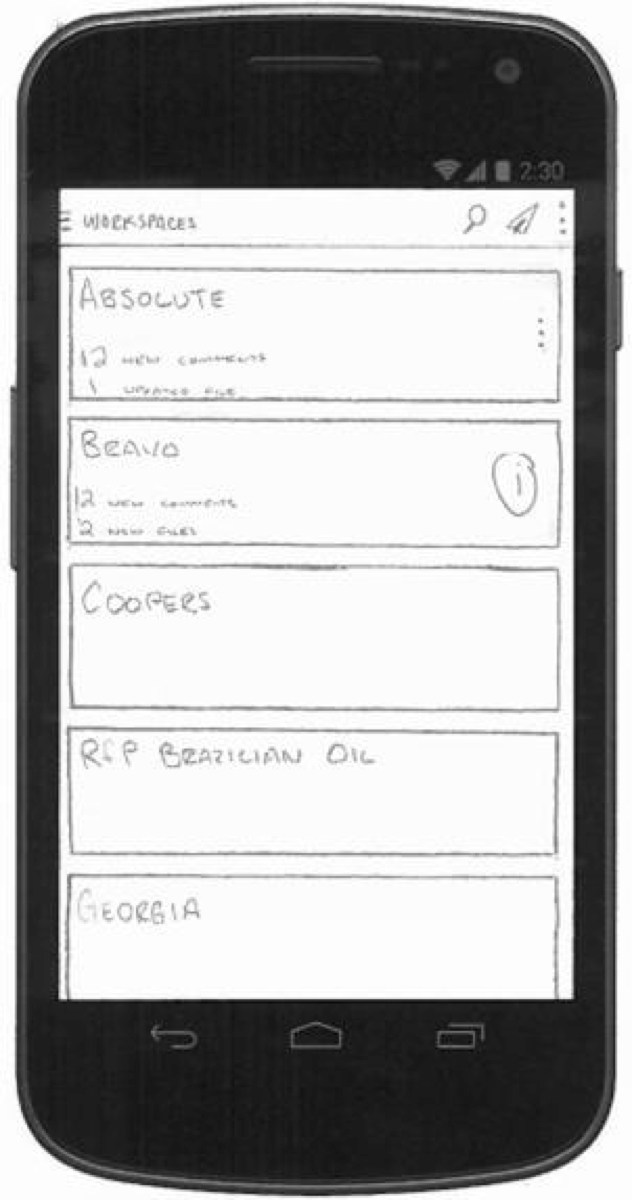
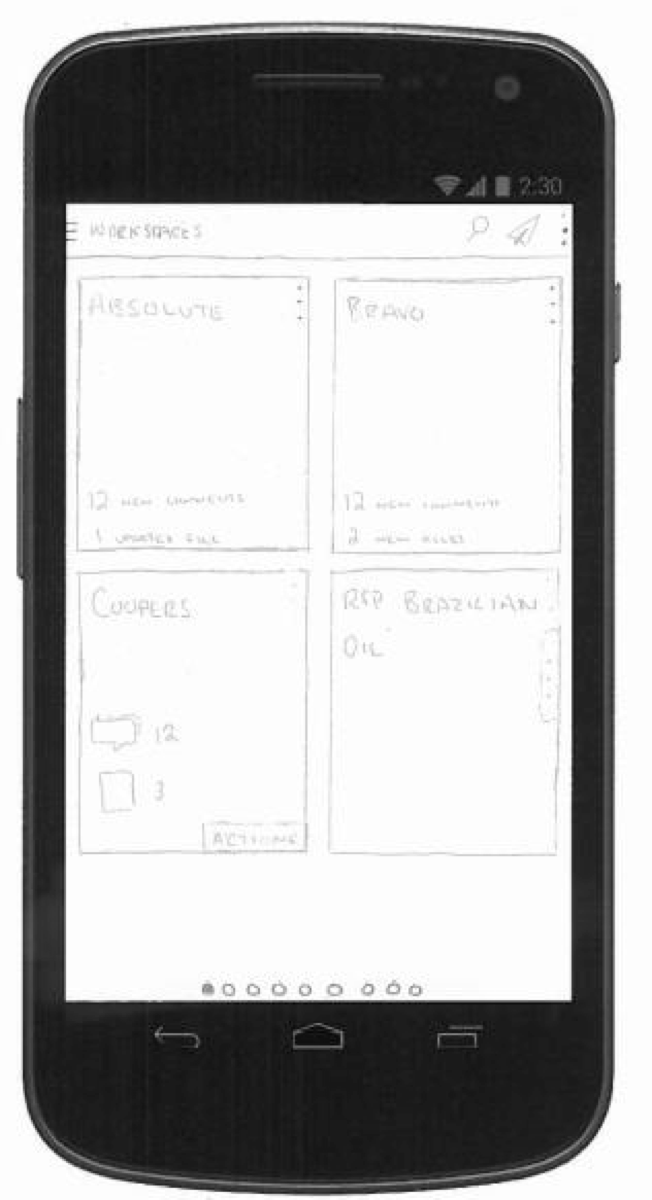
A/B testing with internal and external stakeholders trimmed the designs down to best accepted and lead to the creation of low-res wireframes for each screen in the application. These wires were built in Axure allowing for both screen design and interactions to be built and tested with the same stakeholders that we tested the sketches with.
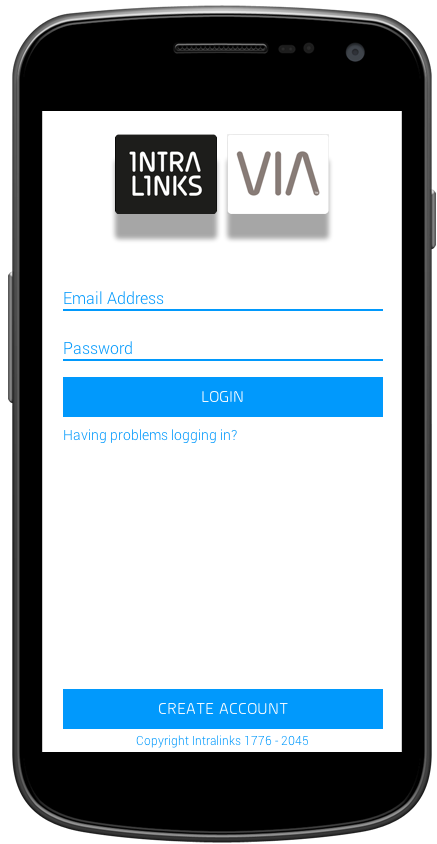
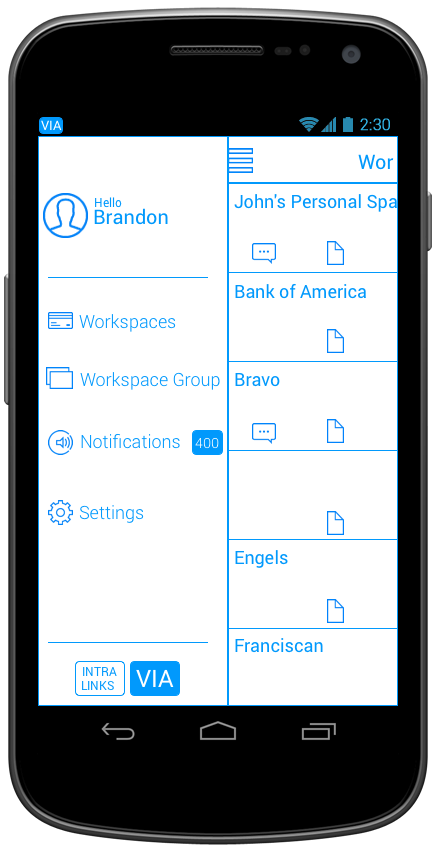
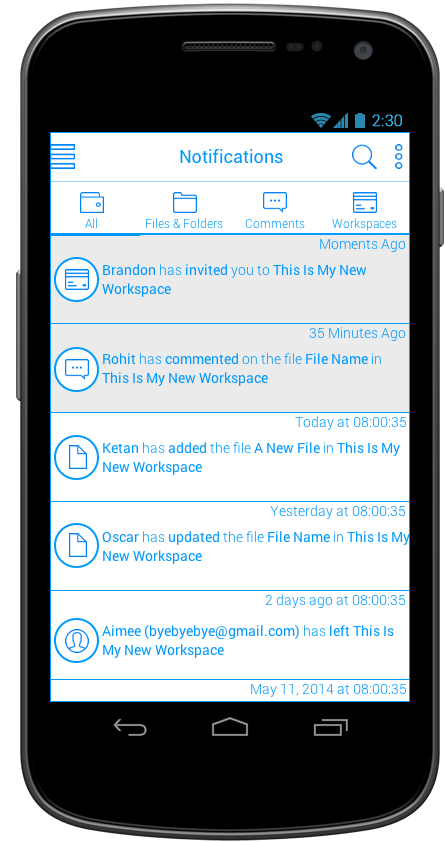
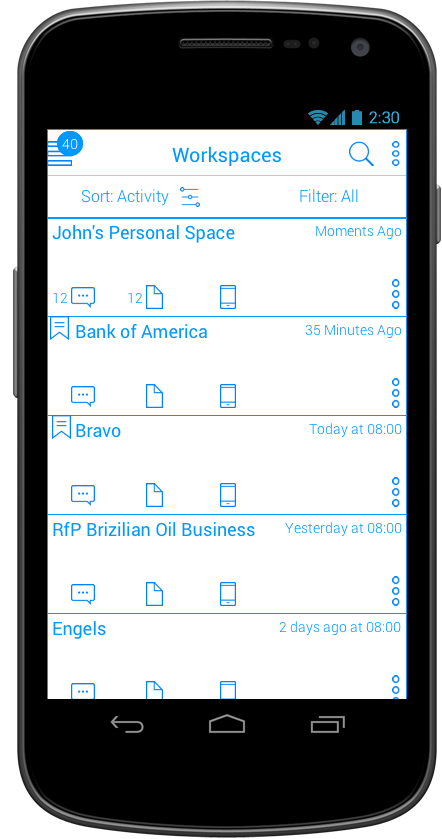
During the wireframe sessions, I hired a visual designer to help create the style and branding guidelines for our applications. This allowed me to partner with him on some of the wireframes to get an understanding of what assets would need to be created and what patterns and colors we needed to address.
The Outcome
VIA was the first mobile platform and the first of the redesign of the company priorities, which lead the push into various forms of secure file-sharing while on-the-go. It is the foundation of the rest of the applications that were built.
400+ million
documents uploaded
6.6+ million
users on the platform
64 thousand
downloads
FOLLOW-UP
The App has been available for secure file-sharing since 2014 and continues to follow the design standards I created for it through an acquisition by SS&C and updates to technology (from Jellybean [4.4] through to Cinnamon Bun [17]) .